 Benday
Four reading modes
Left to right, right to left, vertical and webtoon. Spreads on tablets, with wide pages split or turned sideways on phones.
Comics from your own server
A reader for Android phones and tablets. Point it at your Komga, Kavita or Stump server, or an OPDS catalog, and your whole library of comics, manga and webtoons comes along, online or offline.
A one-time purchase: no ads or subscriptions. Needs a Komga, Kavita or Stump server or an OPDS catalog you run or can sign in to.
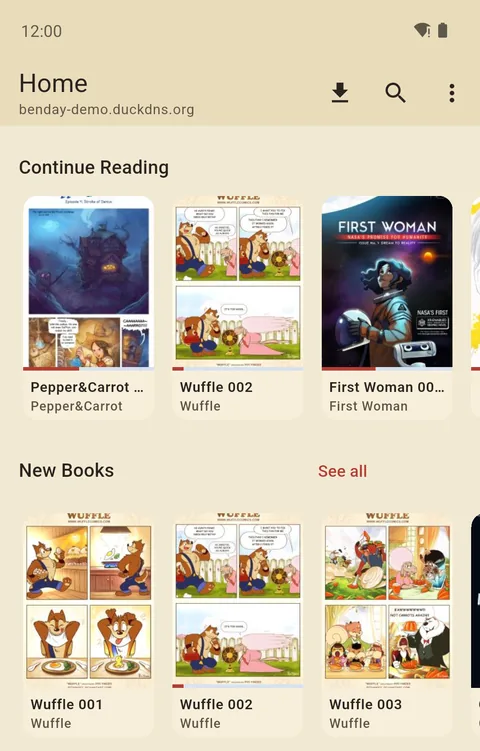
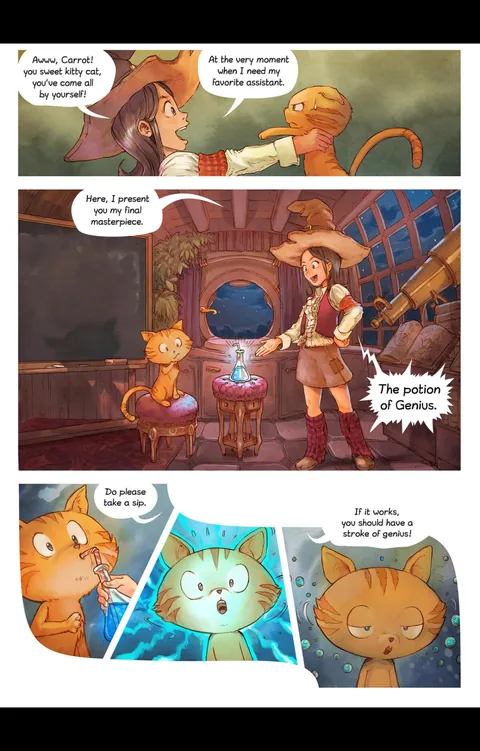
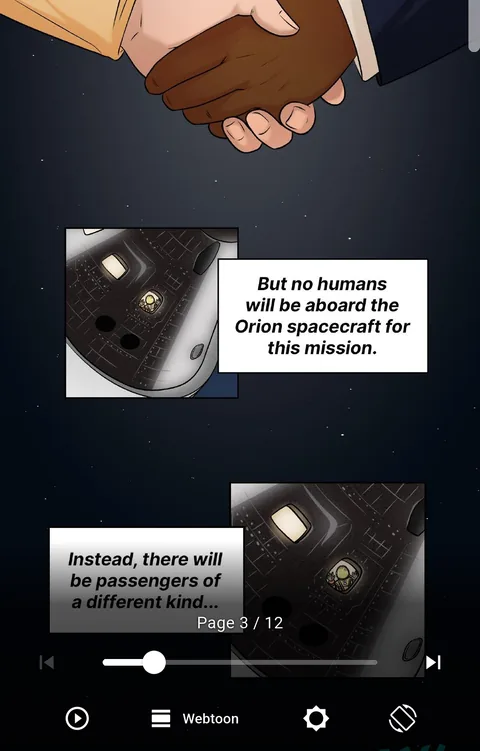
Comics shown: Pepper&Carrot by David Revoy (CC BY 4.0), Wuffle by Piti Yindee (CC0), and First Woman and Commander Moonikin Campos by NASA (public domain; NASA does not endorse Benday).
Reading
Western comics left to right, manga right to left, webtoons as one long strip. Benday picks the mode from the series, or you set it once per series.
Left to right, right to left, vertical and webtoon. Spreads on tablets, with wide pages split or turned sideways on phones.
Chapters chain into one continuous strip. Auto-scroll, side padding and a fast scroller for 300-chapter series.
Panel by panel on a phone, so a full page reads at a comfortable size.
Brightness, contrast, colour filters and sharpening, saved per series if you like.
Tap zones, swipes, volume keys, keyboards and Bluetooth page turners.
Open CBZ, CBR and PDF files you already have, no server needed.
Servers
Benday speaks Komga, Kavita and Stump natively, with read lists and progress that the server's own reader sees, and collections, live updates and a Want to read list on Komga and Kavita. On Kavita a series' books are grouped by volume, then loose chapters and specials. Komga gets the most: Upcoming, Discover, metadata editing and Komf. An older Stump, or an account without Stump's API keys permission, works through Stump's OPDS catalog.
OPDS
Browse, read and download from any OPDS catalog, with page streaming where the server offers it. For these servers Benday also sends your progress back, through their own APIs or KOReader sync, or brings back what you finished there:
Your library
Home is a set of shelves you can reorder: Continue reading, On deck and new books, Want to read on Komga and Kavita, and on Komga also the next books of series still running, and Discover, which suggests unread series like the ones you read and rate highly.
Libraries, collections and read lists all work as on the server, with search and filters, and two panes side by side on tablets. Your progress goes back to Komga, Kavita or Stump (and to many OPDS servers), so every device picks up where the last one stopped; on Komga, bookmarks, ratings and reader settings follow you too.
Offline
Download single books, whole series or collections. Benday can keep the next few books of what you're reading downloaded, stick to Wi-Fi, and stay under a storage limit by clearing books you've finished.
No connection? Downloaded books open as usual, and your reading progress waits until you're back online.
Privacy
Benday has no accounts, ads, analytics or crash reporting. It talks to your server and to the services you connect yourself, and nothing else.
More